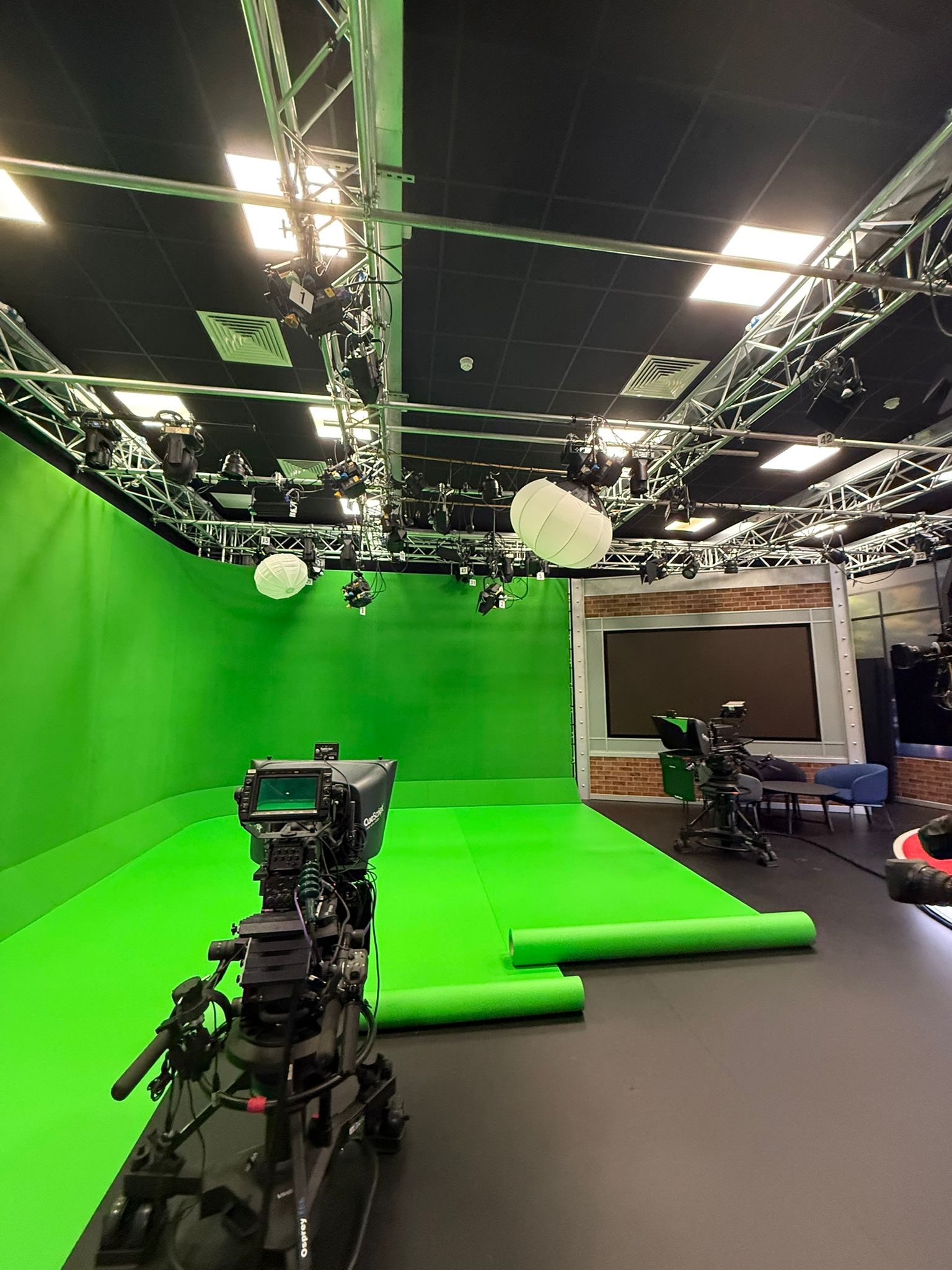
First podcast studio session: a host and guest checklist
Prepare for your first studio podcast with a useful guest brief, a focused episode outline and a clear plan for cameras, recording and file handover.
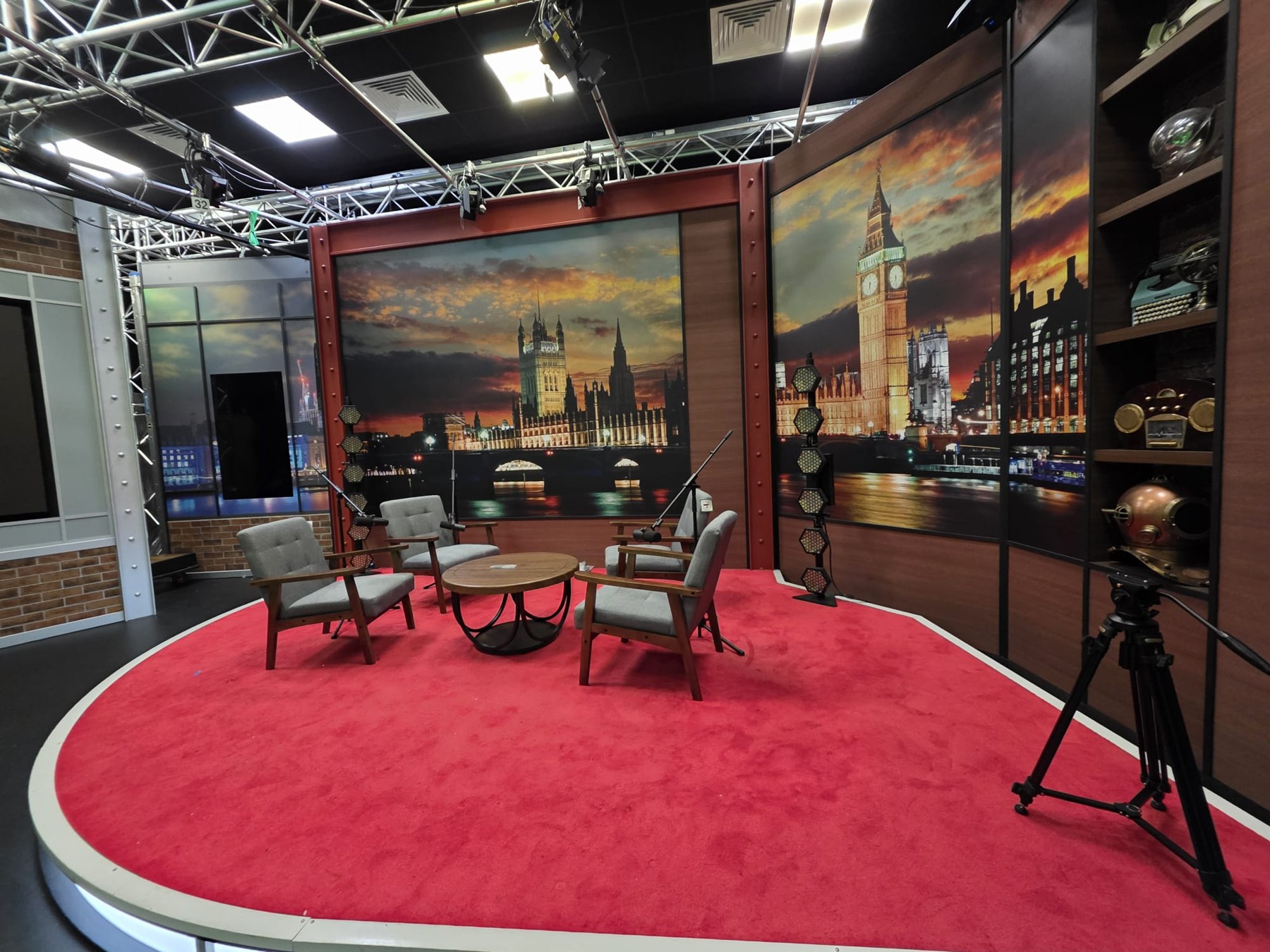
A list of questions is a good start, but it is not the whole plan. Your guest needs to know what to expect, the host needs a direction for the conversation, and the editor needs to know what the finished episode should become. Sort out those details before the session so you can concentrate on the interview when you arrive.
At a glance
What should you prepare before your first session?
Bring an episode outline, a short guest brief and the editor's recording requirements. Check names and pronunciations, explain where the episode and clips will appear, and choose the camera shots you need. Allow time for setup and a recorded sound-and-picture test. Know who is handling the recording, how you will receive the files and what happens next.
Decide what this episode needs to achieve
Write one sentence describing the audience and the question the episode will answer. ‘How a small team chooses its first project-management system’ gives a guest more to work with than ‘a chat about business’.
Decide what you want to make: a full video episode, a separate audio version, short vertical clips or a combination. Tell the studio who will attend, including anyone staying off camera. The number of people and the number of cameras are separate decisions.
Start with the podcast recording service to discuss a session built around those outputs.
Send a guest brief they can actually use
Send the brief early enough for the guest to correct their biography and ask questions. Share the themes and opening question, rather than asking them to rehearse every answer. Let them know whether you are aiming for a relaxed conversation, a technical discussion or something more formal.
Copy the template below, fill in the brackets and remove anything that does not apply. Keep this version short; the guest does not need the producer's technical instructions.
- Episode: [working title], for [audience]. We want listeners to understand [one useful outcome].
- Conversation: [main themes], opening question [question], expected recorded duration [duration]. Please bring one specific example you are comfortable discussing.
- Your introduction: [preferred name, role and short biography]. Please check spelling, pronunciation and any organisation or product names we will mention.
- Publication: [full audio/video destinations] and [planned clip use]. Any review, confidentiality or embargo arrangements will be settled before recording.
- Arrival: [confirmed address, arrival time, recording start and finish]. Contact [designated session contact] if delayed. Tell us about access or comfort requirements in advance.
- On camera: bring [agreed clothing or props]. We will check the framing and explain microphone position before starting. You do not need to look into a camera unless we ask.
- Questions or boundaries: tell us about topics you cannot discuss and any material that needs permission. To pause the recording, use [word or gesture].
Build an outline, not a script for every answer
Give each part of the conversation a purpose. Prepare a main question and a follow-up for each theme, then mark the questions you must cover. That lets the host shorten a section without losing the episode's point.
Write out wording where accuracy matters, such as the guest introduction, sponsor message and closing call to action. For the interview itself, use short prompts that leave room to listen and follow an interesting answer.
Here is an illustrative outline for a 30-minute recorded conversation. It is not a studio booking allowance: setup, tests, breaks, retakes and handover need time too.
- 00:00–02:00 — Introduce the guest and explain the question the episode will answer.
- 02:00–07:00 — Establish the guest's experience and the context the listener needs.
- 07:00–17:00 — Explore the main theme, using follow-ups rather than a succession of unrelated questions.
- 17:00–25:00 — Work through one concrete example: what happened, what changed and what the guest learned.
- 25:00–28:00 — Ask for practical advice and clarify anything the listener might misunderstand.
- 28:00–30:00 — Summarise the useful point, thank the guest and give the agreed next step.
Check names, permissions and visual details
For an unfamiliar name, ask for a short voice note and write a pronunciation cue beside the introduction. Check the guest's preferred job title and the spelling for captions and on-screen names. Send the same name sheet to the editor.
Put the guest's participation and intended recording use in writing, including excerpts and promotional clips. Settle who approves changes, whether the guest will review anything before publication and when an embargo ends. These are easier conversations to have before recording than when a clip is ready to go live.
List any music, photographs, slides or film clips you plan to use. UK copyright guidance explains that copyright protects works including original music, photographs and recordings; finding them online does not make them free to reuse. Check that your permission or licence covers the episode and its clips, and keep the evidence with the assets. If you think an exception permits the use, check the official guidance on using copyright material and seek specialist advice if uncertain.
For video, discuss wardrobe and props with the production team. Bring an alternative top if possible. In the test frame, look for distracting small patterns, reflections or visible logos, and check the space for on-screen names. Listen for noise from jewellery, sleeves or props when the guest speaks and gestures.
Choose two or three cameras by the shots you need
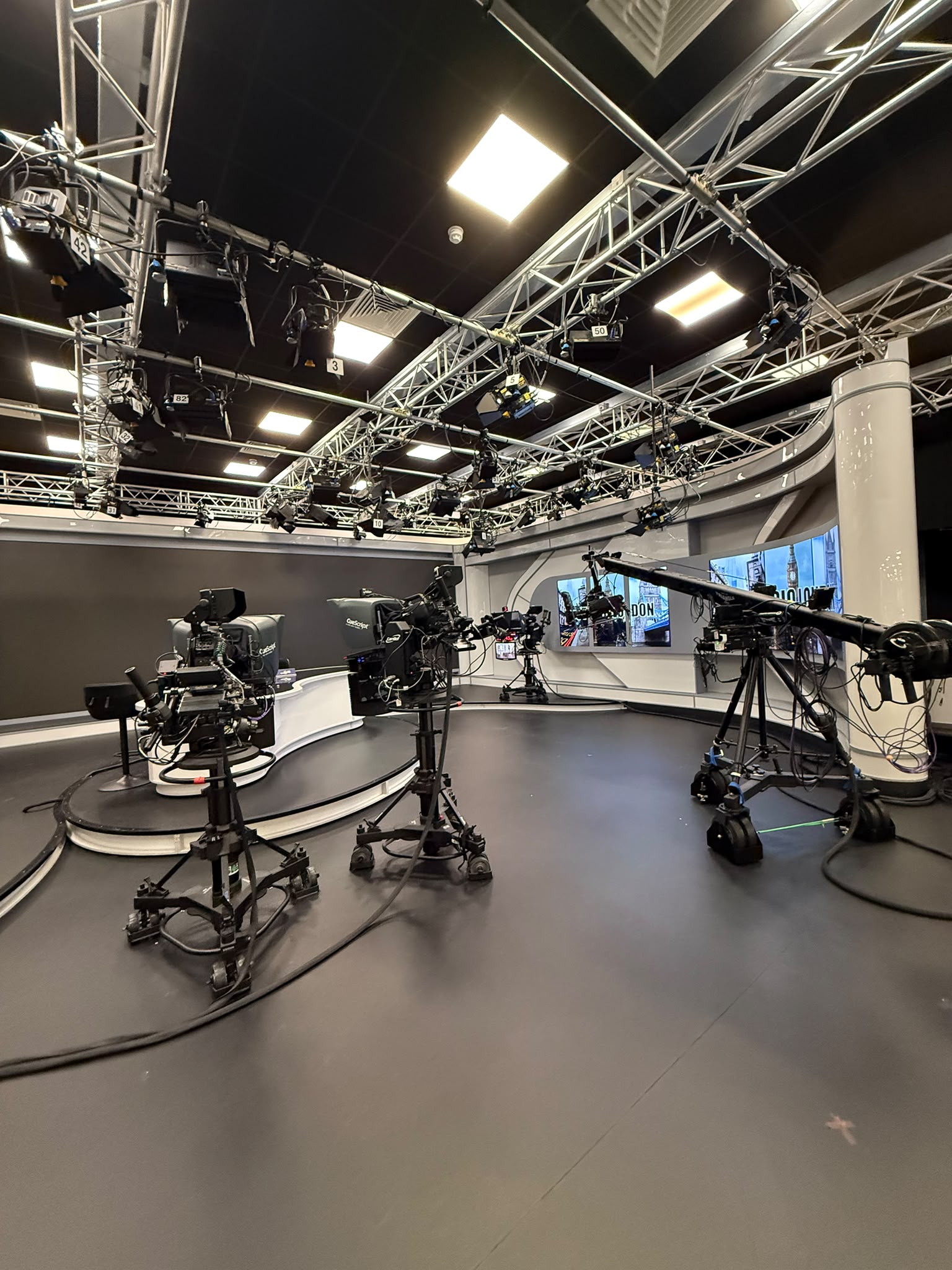
For one host and one guest, start with the shots you want. Two cameras could give each person an individual shot, but no dedicated wide view of both. Or you could use a wide shot and a guest close-up, leaving the host without an individual close-up. Choose the compromise that suits the conversation and the edit.
A third camera can add a wide shot alongside the two individual shots. That shared view can be useful for introductions, reactions or moments when both people speak. These are planning examples, not fixed Big Wig layouts. B&H's multicamera podcast guide describes this combination of wide coverage and individual close-ups.
If you want vertical clips, ask to see how the relevant shots will look in a vertical crop. A horizontal wide shot may not give you a usable close-up. Decide with the editor whether clips will use crops, split screens or another layout before settling the framing.
Big Wig Studios' two-camera video rate is £150 per hour; three-camera video is £200 per hour total. Both are exclusive of VAT and include an operator handling the cameras and sound recording. The minimum booking is two hours, and you receive separate video and audio files. Editing is quoted separately.
Leave time for a short recorded test
At Big Wig Studios, charging starts when recording begins. Arrange your arrival and setup with the team, and send set or prop requests before the session. Leave room in your plan for seating, microphone placement, camera checks and a short recorded test.
All studios at Big Wig Studios are soundproofed, but microphone position, equipment sounds and how people move still matter to the recording. Have everyone speak at their normal interview level, then record a short test with the included operator. Listen back through headphones and review each camera's framing. Shure's first-episode recording guide recommends headphone monitoring, a short test and conservative levels to avoid clipping — distortion from a signal that is too loud.
Follow the operator's advice on microphone position and keep a reasonably consistent distance once it is set. Shure's microphone guide explains how distance changes the balance between the voice and room sound. Speak comfortably, and avoid tapping the table, handling the microphone or rustling notes during an answer.
Use the pause cue from the guest brief if you need a break or a correction. For a retake, leave a brief pause and restart from a complete sentence so the editor has a clear replacement. Ask the producer to note it. Where practical, let the guest finish before responding; overlapping speech can be harder to tidy later.
Agree the handover before recording starts
At Big Wig Studios, the recording offers supply separate video and audio files. Send the editor's requirements before the session: individual microphone tracks, a combined audio mix and particular recording formats are different requests, so spell out what you need rather than assuming the camera count settles everything.
File transfer is arranged around your needs and can include your own card or USB storage. Tell the team your preferred method before the session and agree when the files will be available. The studio can keep recordings for up to 30 days; once you receive them, check the transfer and keep your own copies.
Leave time to check that the expected recordings are accounted for and that the named recipient knows how and when to access them. Send the pronunciation sheet, outline, asset permissions and retake notes with the edit brief.
- Capture: separate video and audio files are supplied; specify any particular audio-track or additional output requirements.
- Compatibility: which file formats, video frame rate and audio settings does the editor need, and can the studio provide them?
- Transfer: arrange your preferred method, including a supplied card or USB storage where suitable, and agree when the files will be available.
- Copies: check the received files and keep your own copies; studio storage is available for up to 30 days, not as an indefinite archive.
- Post-production: who edits, selects clips, adds graphics and captions, and prepares any separate audio version?
- Approvals: who brings feedback together, which review stages are included and when is delivery due?
Enquire with the decisions that affect your session
Send your preferred dates, attendee numbers, intended episode length, camera preference and required outputs. Include the outline, set or prop requests and the editor's file requirements. The recording offers include an operator; ask for any editing or additional production work to be shown separately.
Discuss your first session through Big Wig Studios' podcast service or call 020 3878 7697. With the essentials in place, you and your guest can arrive knowing what you are there to record.
Put it into practice
Final first-session checklist
Tick off each point as you prepare your brief.
Sources & further reading
Podcast recording & production
Enquire with your podcast brief
Plan a first recording session in London with an included operator and separate video/audio files. Share your camera preference, dates and output requirements; editing and any additional production work can be quoted separately.